
View all posts

Developers.. What if deploying a website looked like this?
What if deploying a website looked like this?
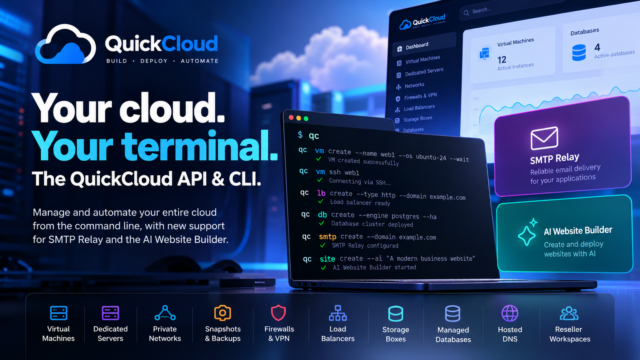
qc site create --ai "Create a modern website for an electrical contractor in Buckinghamshire"QuickCloud builds the site, deploys it and returns the link.
That’s it.
Our AI Website Builder is becoming part of the QuickCloud API and qc command-line client, which means creating a website doesn’t have to start with a control panel, WordPress installation or manual server setup.
It can start with a command.
Prefer a visual interface? You can also use the AI Website Builder directly from the QuickCloud panel. Just sign in at cloud.quickhost.uk and open the AI Website section.
And that’s really the bigger idea behind QuickCloud.
You can already use qc to create a virtual machine, build a private network, deploy a firewall, provision a database, configure DNS, buy a dedicated server or create storage.
Now we’re adding services such as AI Websites and SMTP Relay to the same API.
So a deployment could eventually look less like a collection of separate hosting products and more like:
qc vm create ...
qc db create ...
qc smtp create ...
qc site create --ai ...
One API. One CLI. One QuickCloud workspace.
And because qc supports JSON output, this isn’t limited to someone typing commands into a terminal.
It can form part of your own scripts, customer portals, deployment pipelines and applications.
The web panel is still there when you want a visual interface – including the QuickCloud infrastructure canvas – but it doesn’t have to be where your infrastructure starts.
Build it in the panel. Build it from your terminal. Or build QuickCloud into your own software.
Explore the open-source QuickCloud CLI:
Related Articles...
